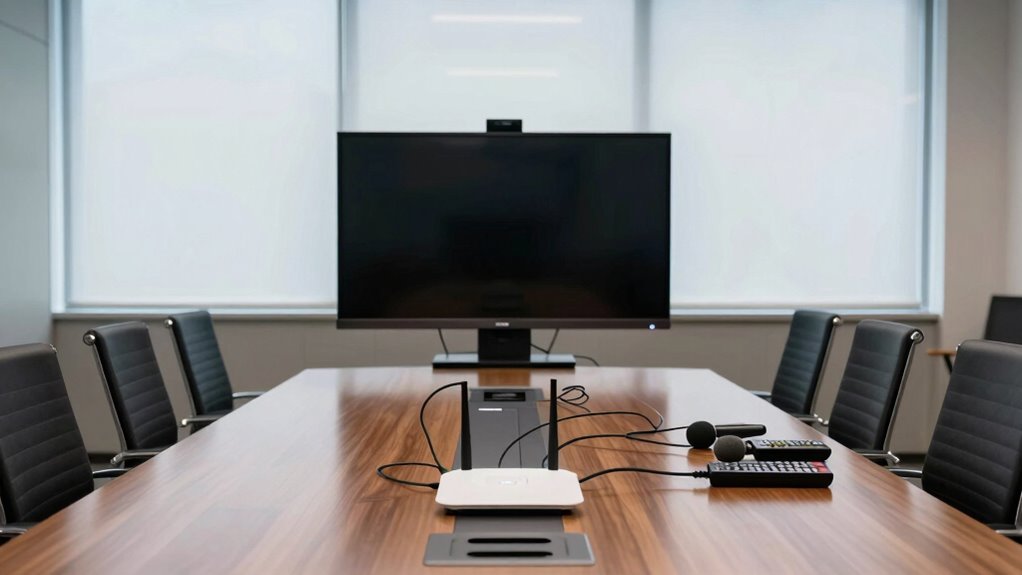

Conference room tech often fails because it’s outdated, poorly maintained, or incompatible with new devices. When hardware becomes obsolete, connection issues and poor audio-visual quality are common, disrupting meetings and hurting professionalism. Without regular upgrades and proper upkeep, equipment struggles to keep up with digital advancements, increasing the risk of breakdowns during critical moments. If you want to discover how to prevent these issues and keep your meetings seamless, there’s more to explore.
Key Takeaways
- Outdated hardware quickly becomes incompatible with new devices and software, causing frequent failures.
- Lack of regular maintenance and updates leads to hardware degradation and increased malfunction risks.
- Complex setups and aging equipment reduce system reliability during critical meetings.
- Insufficient infrastructure support hampers seamless device integration and troubleshooting.
- Rapid technological advancements make existing conference room tech obsolete faster.
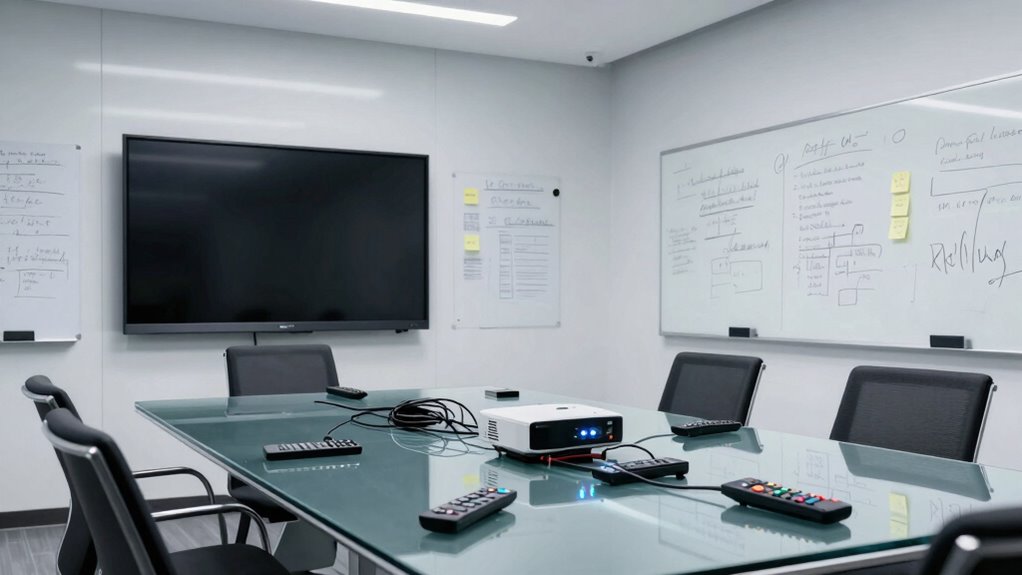
Conference rooms are essential for collaboration, but technical failures can quickly disrupt your meetings. When you’re trying to connect teams or share ideas, a glitch or malfunction can throw everything off track. One common reason this happens is that conference room tech often isn’t built to keep pace with the rapid evolution of digital tools. As virtual collaboration becomes more prevalent, relying on outdated hardware can turn into a major problem. Devices that once seemed cutting-edge can quickly become obsolete, leading to compatibility issues and decreased performance. You might find yourself struggling to connect new laptops or smartphones, or facing audio and video quality that’s far from professional.
Outdated conference room tech causes connectivity issues and poor audio-visual quality, disrupting collaboration and productivity.
Hardware obsolescence is a silent killer of conference room efficiency. Technology ages fast, and what was state-of-the-art a few years ago may be entirely useless today. When your equipment isn’t regularly updated or maintained, it’s more likely to fail during critical moments. This can include everything from projectors that no longer display crisp images to microphones that pick up background noise instead of voices. And since many conference room setups involve multiple devices working together, one outdated piece can cause the entire system to collapse. The more complex your setup, the more vulnerable it becomes to failures caused by aging hardware. Additionally, lacking proper infrastructure can prevent seamless integration of new devices and platforms, further increasing the risk of failure. Regular updates and hardware maintenance are crucial for preventing unexpected breakdowns and ensuring reliable operation. Without a comprehensive technology upgrade plan, these issues tend to compound over time, making troubleshooting even more difficult. Recognizing the importance of up-to-date hardware can help organizations avoid costly disruptions and improve overall meeting quality. Staying ahead with modern equipment can also enhance user experience and boost collaboration productivity.
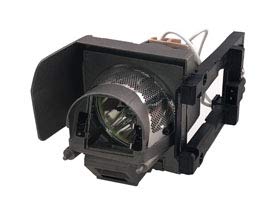
Technical Precision Lamp & Housing for Optoma Mimio 280-1 Pack
- Replacement for OPTOMA MIMIO 280: Projector lamp and housing
- Package Includes: 1 unit per sale
As an affiliate, we earn on qualifying purchases.
As an affiliate, we earn on qualifying purchases.
Frequently Asked Questions
How Can Organizations Prevent Conference Room Tech Failures?
To prevent conference room tech failures, you should regularly perform remote troubleshooting to identify issues early and keep systems running smoothly. Invest in hardware upgrades to guarantee your equipment stays compatible with the latest software and user demands. Additionally, establish routine maintenance schedules and provide staff training. These steps help minimize downtime, improve reliability, and keep meetings productive without tech frustrations disrupting your organization’s workflow.
What Are the Common Signs of Impending Tech Issues?
You might notice subtle hints like occasional hardware glitches or sporadic connectivity issues, which often serve as gentle forewarnings of more significant problems ahead. These signs can manifest as audio or video disruptions, lagging screens, or unresponsive controls. Paying attention to these cues allows you to address minor issues early, preventing tech failures during critical moments. Staying proactive guarantees your conference room tech remains reliable and ready when you need it most.
Which Maintenance Practices Extend the Lifespan of Conference Tech?
You can extend your conference tech’s lifespan by regularly performing hardware upgrades and applying software updates. Hardware upgrades guarantee your equipment stays current with evolving technology, preventing obsolescence. Software updates fix bugs, improve security, and add new features, keeping your system reliable and efficient. Consistent maintenance like cleaning and checking connections also helps. By staying proactive, you reduce downtime and ensure your conference room tech remains functional and effective long-term.
How Does User Training Impact Tech Reliability?
You can’t underestimate how user training boosts tech reliability—almost like giving your equipment a superpower. When you improve user familiarity, it drastically reduces errors and mishandling. Effective training makes a huge difference, turning users into tech-savvy pros who handle devices confidently. This training effectively minimizes breakdowns and maximizes uptime, proving that investing in user education isn’t just smart; it’s essential for keeping conference room tech alive and kicking.
Are There Cost-Effective Solutions for Frequent Tech Failures?
Yes, there are cost-effective solutions for frequent tech failures. You can start by replacing outdated hardware with affordable, modern alternatives that improve reliability. Keep your budget constraints in mind by prioritizing essential upgrades and investing in simple, user-friendly devices. Regular maintenance and basic troubleshooting training also help prevent issues, saving money in the long run. These steps make tech more dependable without breaking the bank.

Phenyx Pro Dual UHF Auto Scan Handheld Wireless Microphone System PTU-71-2H
- Auto Scan for Interference-Free Signal: Rapidly finds least-interference frequency
- Up to 16 Transmitters Simultaneously: Supports 2 channels with 100 frequencies each
- Wide Frequency Range: Channel 1: 536.57-561.32 MHz, Channel 2: 562.37-587.12 MHz
As an affiliate, we earn on qualifying purchases.
As an affiliate, we earn on qualifying purchases.
Conclusion
You’ve probably experienced the frustration firsthand—tech failing just when you need it most. The truth is, these failures often stem from overlooked details and assumptions that tech will seamlessly fit into your environment. But maybe the real lesson is that technology isn’t a set-and-forget solution. To avoid disappointment, stay vigilant, test thoroughly, and adapt. Ultimately, embracing flexibility and continuous oversight can turn tech from a source of frustration into a tool that truly works for you.
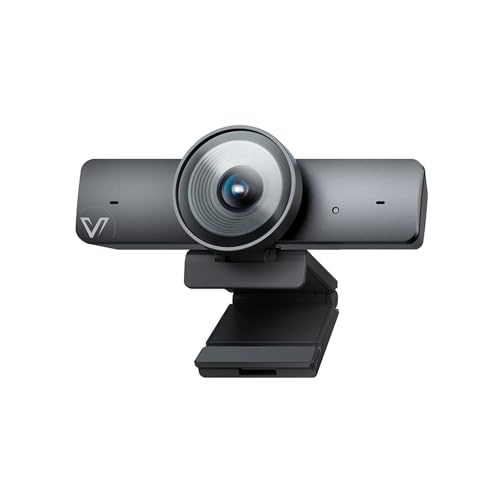
AV Access 4K Conference Room Camera, 1/1.8" CMOS, Gesture Control
- Sensor Type: 1/1.8" CMOS for high-quality images
- Video Resolution: Ultra HD 4K at 30fps
- Compatibility: Supports 1080p and 720p
As an affiliate, we earn on qualifying purchases.
As an affiliate, we earn on qualifying purchases.

Logitech C920x HD Pro PC Webcam Full 1080p/30fps Video – Black
- Nintendo Switch 2 Compatibility: Supports GameChat mode
- HD Lighting & Autofocus: Adjusts lighting for clear images
- Advanced Capture Software: Easily create and share videos
As an affiliate, we earn on qualifying purchases.
As an affiliate, we earn on qualifying purchases.