
TL;DR

Get business pricing on tech for your team
- Business-only prices and quantity discounts
- Tax-exempt purchasing
- Multiple users, one account, clear invoices
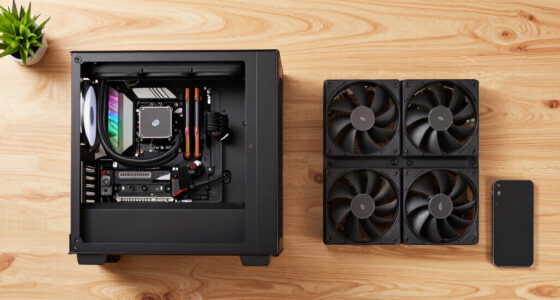
Thorsten Meyer AI has published a capstone comparison of Apple Silicon Macs and GPU towers for local LLM users, focused on heat, noise, memory capacity and throughput. The report says GPU towers are faster for models that fit in VRAM, while Macs can run larger quantized models with far less desk-side heat and noise.
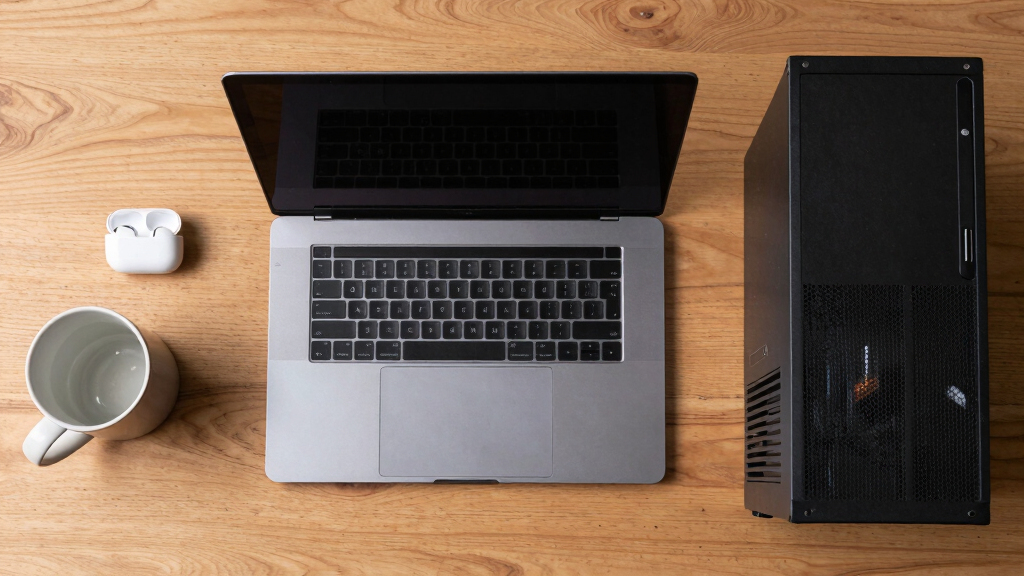
Thorsten Meyer AI has published a capstone guide comparing Apple Silicon Macs and GPU towers for local LLM work, arguing that the practical choice is often less about raw speed alone than about heat, noise, memory capacity and where the machine will run.
The report says GPU towers and Apple Silicon Macs optimize for different constraints. According to the source material, an RTX 5090-class tower offers about 1,792 GB/s of memory bandwidth, compared with about 819 GB/s for a Mac Studio M3 Ultra. That bandwidth gap is presented as the reason a tower can deliver several times more tokens per second when the model fits inside GPU VRAM.
The same report says the Mac’s advantage is memory capacity. Apple Silicon systems use unified memory shared across CPU, GPU and other compute units, with configurations cited at up to 256GB to 512GB. That can allow a Mac to load 70B or larger quantized models that may not fit on a single consumer GPU with 24GB to 32GB of VRAM.
Heat and noise are the other main split. The source describes a single RTX 5090 as drawing about 575W and a dual-GPU tower as pushing beyond 800W, with that energy becoming heat the room and cooling system must handle. By contrast, the Mac is described as near-silent in many local inference uses, but slower per token than a tower on models that fit in VRAM.
Why It Matters
The comparison matters for readers running local AI because hardware choice affects more than benchmark scores. A high-power tower can be the better fit for throughput jobs, CUDA workloads, fine-tuning and models that fit inside VRAM. But that performance can bring fan noise, heat output, power draw and placement problems.
For users working at a desk, the Mac path may offer a quieter setup and access to larger memory pools, even when token generation is slower. The report frames the decision as a choice between speed on smaller VRAM-fit models and the ability to run larger models with less environmental burden.
Products Worth Considering

Apple MacBook Air 13-inch Laptop with M5 Chip, 16GB Memory, 512GB SSD, Liquid Retina Display, and Touch ID – Midnight

Apple Watch Ultra 2 GPS + Cellular, 49mm Natural Titanium Case with Natural Titanium Milanese Loop, Large

Apple AirPods Pro 3 Wireless Earbuds with Active Noise Cancellation
As an affiliate, we earn on qualifying purchases.
Background
The article is positioned as the capstone to Thorsten Meyer AI’s series on reducing heat and noise in high-power AI workstations. Earlier pieces in the series focused on making GPU towers more livable through choices such as undervolting, cooler selection, case airflow, fan tuning and machine placement.
This installment changes the question from how to quiet a tower to whether a different machine avoids much of the heat and noise problem. The report also suggests a hybrid setup: keep a quiet Mac at the desk for interactive work and larger-memory inference, while placing a headless GPU tower in another room for raw throughput and CUDA-heavy jobs accessed over SSH.
“A GPU tower is a high-bandwidth furnace you spend five levers learning to quiet.”
— Thorsten Meyer AI
“Apple Silicon is near-silent by design — but asks you to accept a different set of tradeoffs.”
— Thorsten Meyer AI
“The question that actually decides it is: does it fit? or how fast?”
— Thorsten Meyer AI
What Remains Unclear
Several details remain workload-dependent. The source says token rates are ballpark figures for Q4_K_M quantized models and can vary by model, quantization, software stack and workload. Pricing, availability and final hardware specifications can also change, so the comparison is best read as a decision framework rather than a fixed buying rule.
What’s Next
Readers choosing hardware will need to match the machine to their primary bottleneck. If the goal is speed on models that fit in 24GB to 32GB of VRAM, the report points toward a GPU tower. If the goal is quiet desk-side use or loading larger quantized models, it points toward Apple Silicon. For users who need both, the next step is a split setup with a quiet Mac at the desk and a tower placed where its heat and noise matter less.
Key Questions
Which is faster for local LLM inference, a Mac or a GPU tower?
According to the source material, a GPU tower is faster when the model fits inside GPU VRAM because it has much higher memory bandwidth. The report cites about 1,792 GB/s for an RTX 5090-class card versus about 819 GB/s for a Mac Studio M3 Ultra.
Why would someone choose a Mac for local LLMs?
The Mac’s advantage is unified memory capacity and lower desk-side heat and noise. The report says high-memory Apple Silicon systems can load large quantized models that may not fit on a single consumer GPU.
Does VRAM add together in a dual-GPU tower?
The source says consumer GPU VRAM does not simply pool into one larger memory space for a single model. A dual-GPU tower can improve throughput for some work, but it does not automatically turn two 32GB cards into one 64GB card for every local LLM workload.
What setup does the report suggest for users who need both quiet and speed?
The report suggests a hybrid approach: use a quiet Mac at the desk for interactive work and larger-memory models, and place a headless GPU tower elsewhere for throughput jobs, fine-tuning and CUDA workloads.
Source: Thorsten Meyer AI