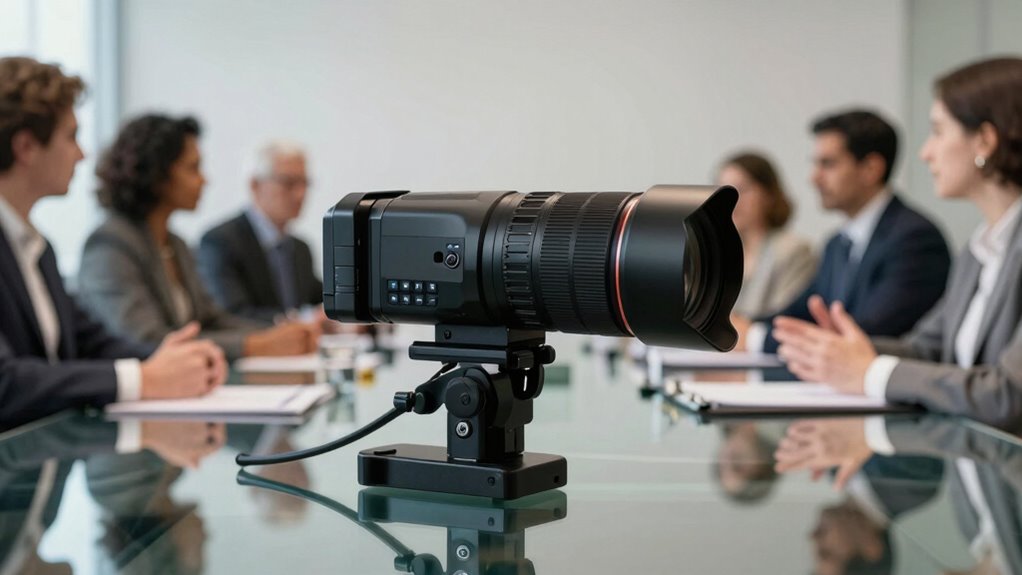

Conference cameras often sound more transformative because they’re marketed with promises of revolutionizing virtual meetings through high resolution and advanced features like virtual backgrounds. However, in practice, environmental factors, limited bandwidth, and setup issues often hinder performance. These hurdles can make the technology seem less impressive than advertised. If you want to understand why the gap exists and how to get better results, it’s worth exploring the real-world factors that impact their effectiveness.

Get business pricing on tech for your team
- Business-only prices and quantity discounts
- Tax-exempt purchasing
- Multiple users, one account, clear invoices
Key Takeaways
- Marketing emphasizes advanced features like virtual backgrounds and high resolution, creating high expectations.
- Actual performance depends heavily on environmental factors such as lighting, internet quality, and setup.
- Many virtual background and resolution claims are overhyped, often resulting in glitches or poor image quality.
- Core challenges like connectivity and user familiarity significantly impact camera effectiveness more than hardware features.
- Recognizing limitations helps set realistic expectations and optimize existing camera setups for better results.
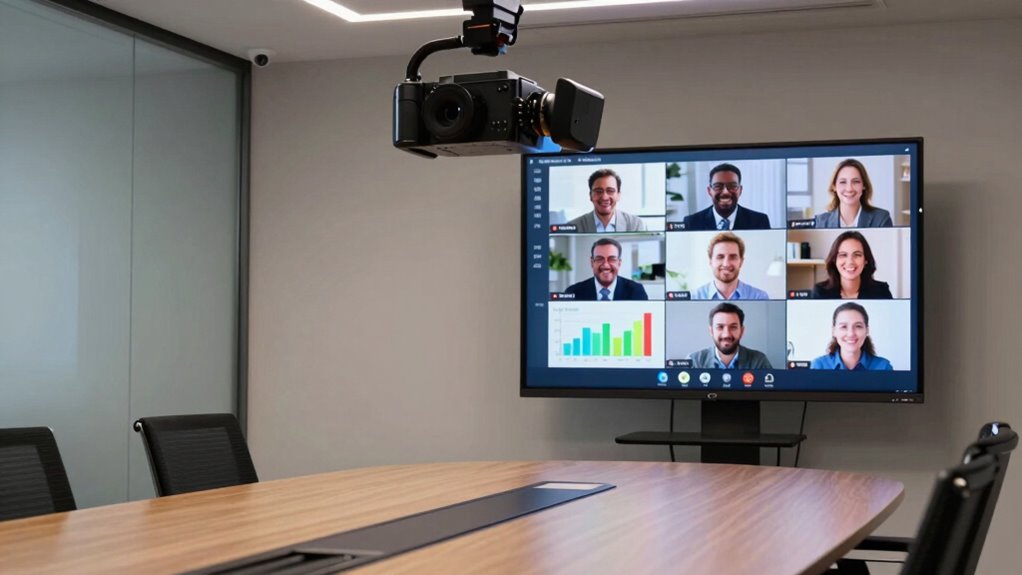
Conference cameras have become a staple in modern workplaces, promising to revolutionize remote and hybrid meetings. They’re often marketed as game-changers, capable of bridging the gap between in-office and remote workers. But the truth is, many of these promises sound more impressive than they actually are. While features like virtual backgrounds and camera resolution are often highlighted, they don’t always deliver the seamless experience you might expect. Instead, they can sometimes create more frustration than productivity.
Virtual backgrounds, for example, are marketed as a way to hide cluttered or distracting spaces, giving you a professional appearance regardless of your environment. But in practice, they often struggle with accuracy. You might find that your camera can’t perfectly distinguish between you and your background, leading to awkward glitches, ghosting, or parts of your real environment showing through. This can be distracting and undermine the professionalism you’re trying to project. Instead of elevating your meetings, virtual backgrounds can become a source of annoyance, especially if the software isn’t optimized or your lighting isn’t ideal.
Virtual backgrounds often glitch, distract, and undermine professionalism when lighting and software aren’t optimized.
Similarly, camera resolution is touted as a key feature that’ll make your video calls clearer and more engaging. Higher resolution lenses promise sharp visuals that help colleagues see your expressions clearly, fostering better communication. However, the reality is that many conference cameras don’t truly capitalize on high-resolution capabilities. Internet bandwidth, software compression, and hardware limitations often reduce the quality of the image you see on screen. Even if you have a top-tier camera, if your connection isn’t stable or your platform compresses video excessively, the quality suffers. This means that the promised clarity and professionalism often don’t materialize in everyday use. Instead, you might end up with blurry or pixelated video, which can hinder effective communication and make meetings feel less dynamic.
All these features are marketed as revolutionary, but they often fall short of expectations. It’s easy to see why companies hype them up—they want you to believe that investing in the latest tech will instantly transform your meetings. Yet, in reality, the core issues of connectivity, lighting, and user familiarity with tech tend to matter more than the bells and whistles. Conference cameras can be helpful tools, but they aren’t magic solutions. They’re only as good as the environment they’re used in and the way you optimize their settings. So, while they might sound more transformative than they actually are, understanding their limitations helps you set realistic expectations and get the most out of your meetings. Recognizing the importance of hardware limitations can help you make smarter decisions when upgrading your setup. Paying attention to environmental factors like lighting and internet stability is equally crucial for a successful video conferencing experience.
Products Worth Considering

Logitech MX Brio Ultra HD 4K Webcam, Graphite

LG UltraGear 27-Inch QHD OLED Gaming Monitor, 240Hz, 0.03ms, G-SYNC Compatible, FreeSync Premium Pro, HDMI 2.1

LG UltraGear 32GX850A-B 32-Inch 4K UHD Glossy OLED Gaming Monitor
As an affiliate, we earn on qualifying purchases.
Frequently Asked Questions
Do Conference Cameras Improve Remote Team Collaboration Effectively?
Conference cameras can improve remote team collaboration, but their effectiveness depends on factors like audio synchronization and virtual backgrounds. When your camera captures clear visuals and synchronized audio, communication feels more natural, fostering better teamwork. Virtual backgrounds can reduce distractions and create a professional environment. However, if these elements aren’t optimized, collaboration may still suffer. So, investing in quality equipment and settings helps guarantee your conference cameras truly enhance remote collaboration.
Are There Specific Features That Make Conference Cameras More Transformative?
Yes, certain features make conference cameras more transformative. You should look for high video clarity to see every detail clearly, which keeps everyone engaged. Good audio quality is equally essential, ensuring your voice and others’ are crisp and free of background noise. Additionally, features like wide-angle lenses, auto-framing, and easy integration with collaboration tools enhance the experience, making remote meetings feel more seamless and productive.
How Do Conference Cameras Impact Meeting Productivity and Engagement?
Conference cameras boost your meeting productivity and engagement by fostering virtual presence and enhancing visual clarity. When you can see and be seen clearly, you communicate more effectively, listen more attentively, and stay focused. This visual connection minimizes misunderstandings, encourages participation, and keeps everyone on the same page. As a result, meetings become more dynamic, collaborative, and efficient — making your team’s time together truly valuable.
What Are Common Limitations of Current Conference Camera Technology?
Current conference cameras often fall short due to limited audio clarity and narrow field of view. You might notice muffled sound or background noise, making communication difficult. Additionally, a restricted field of view can miss important gestures or side conversations, reducing overall engagement. These limitations hinder seamless interaction, making it seem like the technology is more advanced than it truly is. Improving audio and wide-angle views could profoundly enhance your meeting experience.
Can Conference Cameras Replace In-Person Meetings Entirely?
Sure, conference cameras might promise to replace in-person meetings, but they can’t quite capture the full virtual presence you get face-to-face. With camera quality still limited and the nuances of in-person interaction missing, they’re better as a supplement than a complete substitute. So, while they enhance remote communication, don’t expect them to fully replace the energy and connection of meeting in person.
Conclusion
So, next time you’re dazzled by a fancy conference camera, remember—it’s less about transforming your meetings and more about transforming your Instagram feed. Sure, it might make everyone look professional, but don’t be fooled into thinking it’ll suddenly solve all your communication woes. Sometimes, the real revolution isn’t in the tech, but in how you choose to show up—camera or not. After all, a good chat beats a good camera, every time.