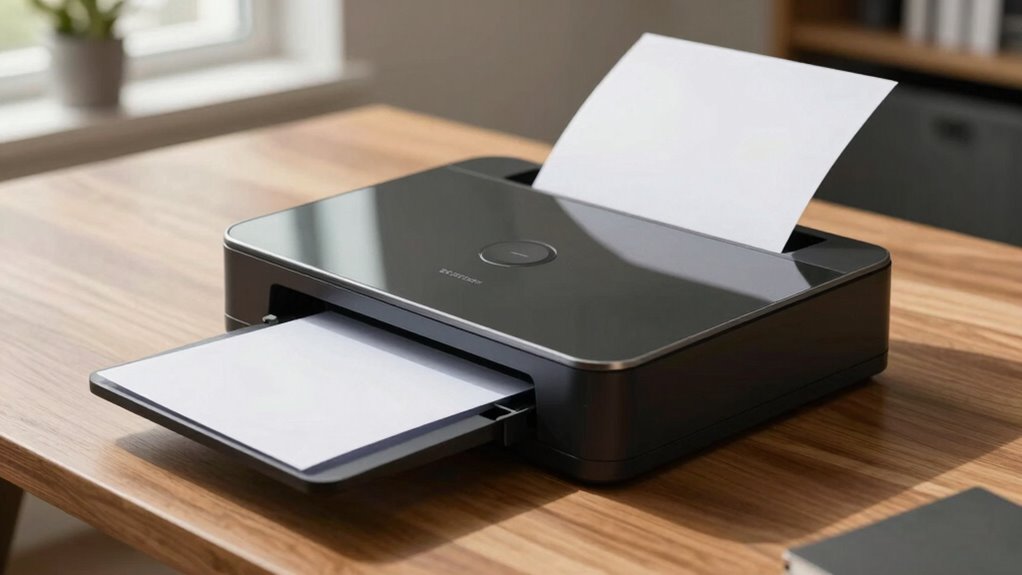

A document scanner is an essential tool that modernizes your workflow, making it easier to organize and access files quickly. It helps you reduce paper clutter, secure documents from damage, and simplify sharing with colleagues or clients. High-quality scanners with OCR technology improve searchability and professional presentation. In today’s digital age, relying on a scanner can boost efficiency and sustainability. Keep exploring, and you’ll discover how to choose the right features for your needs.

Get business pricing on tech for your team
- Business-only prices and quantity discounts
- Tax-exempt purchasing
- Multiple users, one account, clear invoices
Key Takeaways
- Digital document scanners streamline workflows, making paper-based processes increasingly obsolete in modern offices.
- They enhance document security and ease of sharing, reducing reliance on physical copies.
- High-quality scanners with OCR technology improve searchability and editing, supporting efficient digital management.
- Volume and usage patterns influence whether a scanner is an essential tool or a legacy habit.
- Sustainable work practices favor scanners for reducing paper clutter and space, aligning with modern environmental goals.
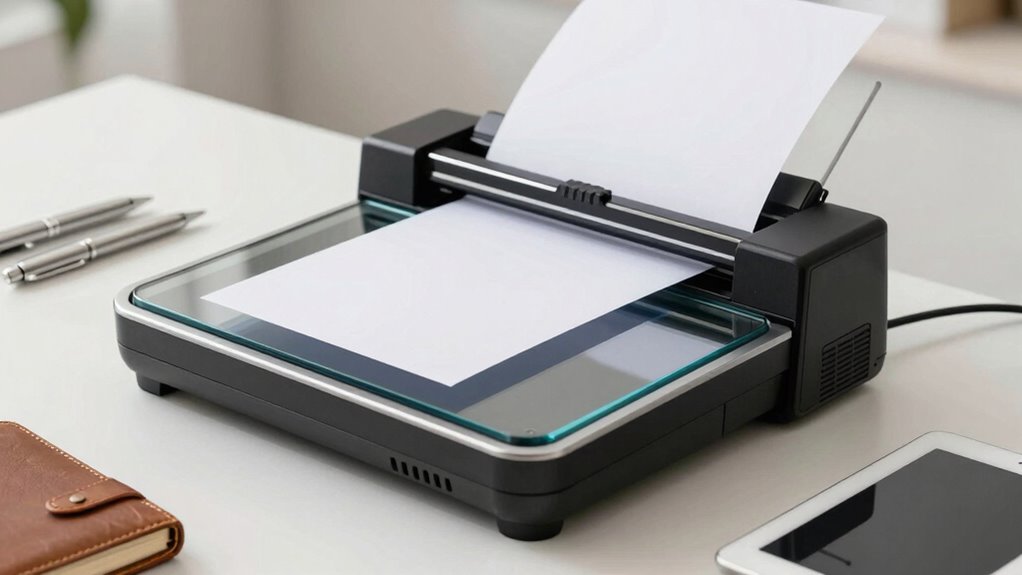
Are you wondering how to choose the right document scanner for your needs? The decision isn’t just about picking the fastest or most expensive model; it’s about understanding how a scanner can fit into your workflow and help you achieve your goals. One of the main advantages of using a document scanner is digital storage. Instead of cluttering your office with stacks of paper, you can convert important files into digital formats that are easy to organize, search, and retrieve. Digital storage offers a secure way to safeguard your documents against physical damage like fire or water, and it simplifies sharing files with colleagues or clients. But beyond storage, a scanner can play a pivotal role in paper reduction, which is a key benefit for many users. By digitizing documents, you cut down on the need to handle, file, and maintain physical copies, saving space and reducing clutter.
When considering a scanner, think about your volume of scanning. If you process hundreds of pages weekly, look for models with high-speed capabilities and automatic document feeders. These features streamline your workflow, making it easier to convert large batches of paper into digital files quickly. If your needs are more occasional, a simpler, manual-feed scanner might suffice. Whichever you choose, guarantee the device supports the file formats you require, such as PDF or JPEG, and has compatible software to facilitate organization and editing. Additionally, consider the image quality of the scanner, as higher resolution ensures clearer, more legible scans, especially when extracting information or sharing documents. Incorporating OCR technology into your scanner can automate the process of converting images into searchable text, saving you time and effort during document management.
Choosing the right scanner also involves evaluating its resolution and image quality. Clear, legible scans are essential, especially if you need to extract information from documents or share high-quality images. Many scanners now include OCR (Optical Character Recognition) technology, which turns scanned images into editable and searchable text. This feature is invaluable for transforming paper documents into digital assets, further enhancing your digital storage system and enabling easier document management.
In the end, a document scanner isn’t just a piece of office equipment; it’s a tool that can streamline your workflow, protect important information, and promote a more sustainable, clutter-free environment. Whether you view it as an essential device or a legacy habit you’re ready to replace, understanding its benefits helps you make an informed choice. If you’re looking to modernize your workspace and reduce reliance on paper, investing in the right scanner can considerably impact your efficiency and organization.
high-speed document scanner with OCR
As an affiliate, we earn on qualifying purchases.
As an affiliate, we earn on qualifying purchases.
Frequently Asked Questions
How Secure Is My Scanned Data Online?
Your scanned data’s security depends on your cloud storage provider’s practices. If they use strong data encryption, both during transfer and storage, your information stays safer from unauthorized access. However, always choose reputable services, enable two-factor authentication, and regularly update passwords. While no system is entirely foolproof, these steps considerably reduce risks, making your online stored scans reasonably secure against hackers and breaches.
What File Formats Do Scanners Support?
Most scanners support common file formats like PDF, JPEG, TIFF, and PNG, making digital organization straightforward. Did you know that over 60% of businesses rely on PDFs for secure document sharing? You can choose formats based on your needs—PDFs are great for paper preservation and easy digital organization, while JPEGs and PNGs suit images. Selecting the right format guarantees your scanned data stays safe, accessible, and well-organized.
Can Scanners Recognize Handwritten Notes?
Scanners generally can’t recognize handwritten notes accurately because of their limitations in handwriting recognition. Handwriting accuracy varies widely, making it difficult for scanners to convert handwritten text into editable digital formats reliably. Most scanners are optimized for printed documents and lack the advanced OCR (Optical Character Recognition) capabilities necessary for recognizing handwriting. So, if you need precise digital copies of handwritten notes, you might need specialized software or manual transcription.
What Is the Average Lifespan of a Document Scanner?
Your document scanner typically lasts around 5 to 7 years, depending on use and maintenance. Imagine it as a reliable bridge turning paper chaos into digital storage, reducing clutter and freeing up space. Over time, wear and tear might slow it down, but with proper care, it continues to help you cut paper, streamline workflows, and keep your digital archives organized. Think of it as an essential tool for modern, paperless efficiency.
Are Mobile Scanning Apps as Reliable as Dedicated Devices?
Mobile scanning apps can be quite reliable for everyday tasks, but they might not match dedicated devices in accuracy and quality. When comparing digital vs. physical documents, apps offer cost-effectiveness and convenience, especially for quick scans on the go. However, for high-volume or professional use, dedicated scanners provide better resolution, durability, and consistency. So, your choice depends on your needs, budget, and the importance of scan quality.
automatic document feeder scanner
As an affiliate, we earn on qualifying purchases.
As an affiliate, we earn on qualifying purchases.
Conclusion
You weigh whether a document scanner is an essential tool or a relic of the past. You consider its convenience versus its obsolescence, its efficiency versus its redundancy. You recognize its role in streamlining tasks, yet question its place in a digital world. Ultimately, you decide—it’s a device that can serve as a bridge to the future or a reminder of the past. The choice is yours: adapt, or cling to what once worked.
portable flatbed scanner for home office
As an affiliate, we earn on qualifying purchases.
As an affiliate, we earn on qualifying purchases.
professional OCR scanner for PDFs
As an affiliate, we earn on qualifying purchases.
As an affiliate, we earn on qualifying purchases.
Evergreen bestsellers Picks
bestsellers
As an affiliate, we earn on qualifying purchases.