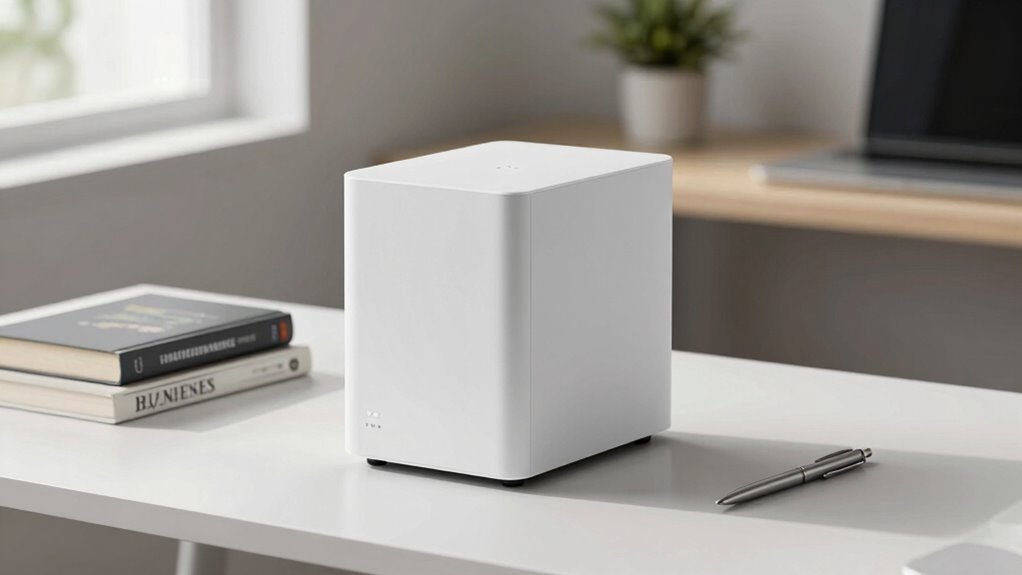

A NAS’s real use case is narrower than many fans admit, focusing mainly on secure local backups, centralized media streaming, and reliable data management. While some may highlight gaming, surveillance, or all-in-one features, these are secondary extensions, not primary purposes. Its main strengths lie in providing cost-effective backup solutions and serving as a media hub. If you want to uncover the full potential and limitations of a NAS, there’s more to take into account beyond the common assumptions.

Get business pricing on tech for your team
- Business-only prices and quantity discounts
- Tax-exempt purchasing
- Multiple users, one account, clear invoices
Key Takeaways
- NAS primarily provides secure local backups without ongoing cloud subscription costs.
- It functions mainly as a centralized media server for streaming and content sharing.
- Core use cases focus on reliable data storage and easy access across multiple devices.
- Secondary features like gaming or surveillance are extensions, not primary functions.
- Recognizing its narrow focus ensures smarter investment and effective utilization.
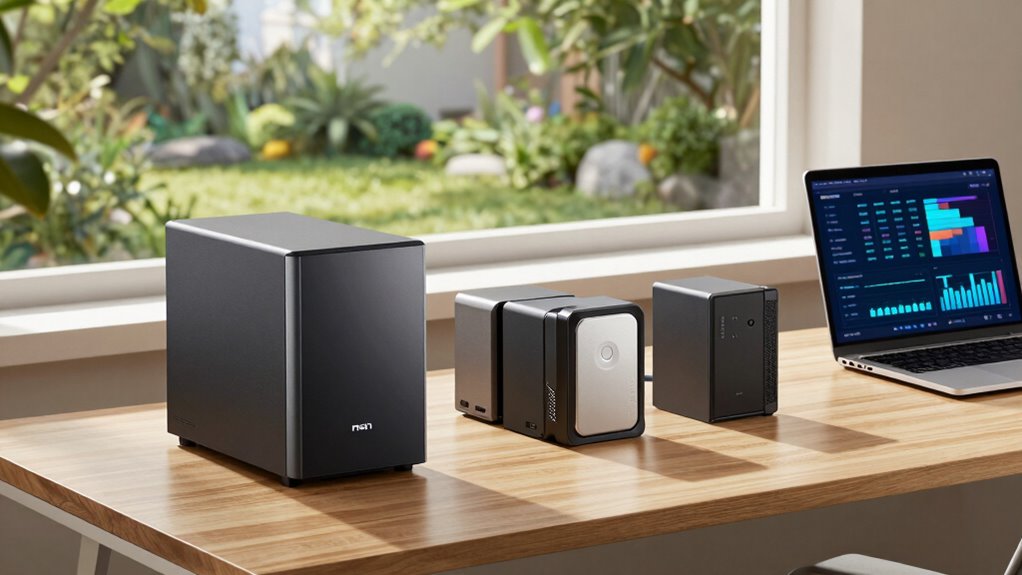
Have you ever wondered why so many businesses and tech-savvy users choose Network Attached Storage (NAS)? It’s because they see it as a versatile hub for managing data, offering convenience and control that’s hard to match. But in reality, the primary use cases for a NAS are narrower than many fans admit. Sure, it’s often marketed as a catch-all device for home and office setups, but the core functions tend to fall into a few specific categories. If you’re considering a NAS, understanding these core uses can help you decide if it’s the right fit for your needs.
One of the main reasons people invest in a NAS is for cloud backup. Unlike relying solely on cloud services, a NAS provides a local backup solution that keeps your data accessible and secure without ongoing subscription fees. You can set up automated backups for your computers, smartphones, or servers directly to your NAS device, ensuring that your essential files are protected even if your internet goes down or a cloud provider experiences an outage. This local backup capability offers peace of mind and faster recovery times compared to cloud-only solutions. Additionally, a NAS can serve as a centralized storage system that simplifies data management across multiple devices. Recognizing the importance of network capabilities helps clarify why a NAS is often chosen for its reliable connectivity and access. Furthermore, the ability of a NAS to support scalable storage solutions makes it adaptable as your data needs grow over time. In fact, many users appreciate that a NAS can act as a data management hub, consolidating and organizing files efficiently. This focus on home network integration further emphasizes its primary role as a dependable network device.
A NAS offers reliable local backups without ongoing cloud subscription costs, ensuring quick access and data security.
Media streaming is another significant reason users choose a NAS. If you’ve accumulated a large library of movies, music, or photos, a NAS acts as a centralized media server. Instead of juggling multiple external drives or copying files to different devices, you can stream content seamlessly across your home network. Whether you’re using a smart TV, tablet, or PC, the NAS makes media available on demand, eliminating the need for physical transfers or multiple copies. Its ability to serve high-definition content reliably makes it a favorite among multimedia enthusiasts.
While some fans tout NAS devices as all-in-one solutions for gaming, surveillance, or business applications, these are often secondary functions. The core value remains rooted in reliable cloud backup and media streaming. These features leverage the NAS’s network capabilities, but they don’t define its primary purpose. Instead, they’re extensions of its core strengths—centralized storage and easy access.
In essence, a NAS’s most practical use cases are narrower than advertised. If you’re primarily looking for a secure backup solution or a media hub, a NAS delivers exactly that. But if you’re expecting it to replace every other device or service, you might find yourself disappointed. Recognizing its true strengths can help you make a smarter investment and use your NAS more effectively.
Products Worth Considering

LG 34GX90SA-W 34-inch Ultragear WQHD OLED Curved Gaming Monitor

Bose QuietComfort True Wireless Noise-Cancelling Earbuds, Black

Apple MacBook Air 15-inch (2026) with M5 chip, 16GB memory, 512GB SSD, Silver
As an affiliate, we earn on qualifying purchases.
Frequently Asked Questions
How Does NAS Security Compare to Cloud Storage Options?
You’ll find NAS security offers strong protection through data encryption and controlled remote access. Unlike cloud storage, where your data travels over the internet and can be vulnerable, a NAS keeps your files localized, reducing risks. However, you’re responsible for setting up security measures like firewalls and passwords. Cloud providers handle security for you, but you might worry about data breaches or unauthorized access, making security a key consideration for both options.
Can a NAS Replace a Dedicated Backup Server?
You can definitely replace a dedicated backup server with a NAS, especially since 60% of small businesses rely on NAS for data storage. A NAS offers backup redundancy and data encryption, ensuring your data stays safe even if hardware fails or threats arise. It’s a cost-effective, streamlined solution that consolidates backups, simplifies management, and keeps your critical information protected without needing a separate server.
What Are the Energy Consumption Impacts of NAS Devices?
You’ll find that NAS devices have moderate energy consumption, but their energy efficiency varies based on usage and hardware. They typically consume less power than full-sized servers, helping you save on electricity bills. However, continuous operation means power consumption adds up over time. To minimize impacts, choose energy-efficient models, enable power-saving features, and turn off idle devices. This way, your NAS remains effective without substantially increasing your energy footprint.
Is a NAS Suitable for High-Performance Enterprise Applications?
Don’t put all your eggs in one basket—especially when considering a NAS for high-performance enterprise applications. While a NAS can handle tasks like media streaming and supporting a home office, it’s generally not designed for demanding enterprise workloads. For high-performance needs, you’ll want enterprise-grade servers or storage solutions that deliver the speed, scalability, and reliability those applications demand.
How Scalable Are Consumer-Grade NAS Units?
Consumer-grade NAS units are quite scalable for home media and personal backups, but their expansion options are limited compared to enterprise models. You can usually add more drives or upgrade existing ones, but you’re restricted by the device’s maximum capacity and hardware limitations. If you need extensive growth for large media libraries or frequent backups, consider a more advanced NAS. Still, for everyday use, consumer units offer decent scalability.
Conclusion
So, next time you dream of a NAS, remember it’s not a magic wand for every storage need. Picture a sleek server quietly humming in the corner, offering just enough space without overwhelming your setup. It’s like a trusted companion, not a fortress. While fans see a limitless vault, the reality is a precise tool, perfectly suited for specific tasks. Sometimes, less truly is more—your ideal storage is simpler than you think.