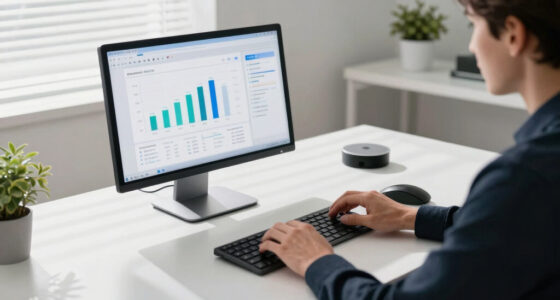

The debate over multiple monitors really centers on how they improve your workflow, not just the number of screens. When set up effectively, they help you multitask with ease, reducing window switching and boosting productivity. The key is how well your monitors fit your tasks and workspace, fostering a more organized and comfortable environment. If you want to discover the principles behind optimizing your multi-monitor setup for maximum efficiency, keep exploring.

Get tech for your team delivered free — and shop member deals
- Fast, free delivery on millions of items
- Access to Prime Big Deal Days deals on October 6–7
- Prime Video, Amazon Music and more included
Key Takeaways
- Effective multi-monitor setups enhance workflow by enabling multitasking and reducing time spent switching between applications.
- Hardware portability impacts workflow flexibility, making adaptable monitors crucial for dynamic work environments.
- Visual harmony and consistent design support focus and minimize distractions, improving overall productivity.
- The value of multiple screens depends on how well they integrate with specific work tasks and user needs.
- Aesthetic and ergonomic considerations contribute to comfort, reducing fatigue and supporting long-term work efficiency.
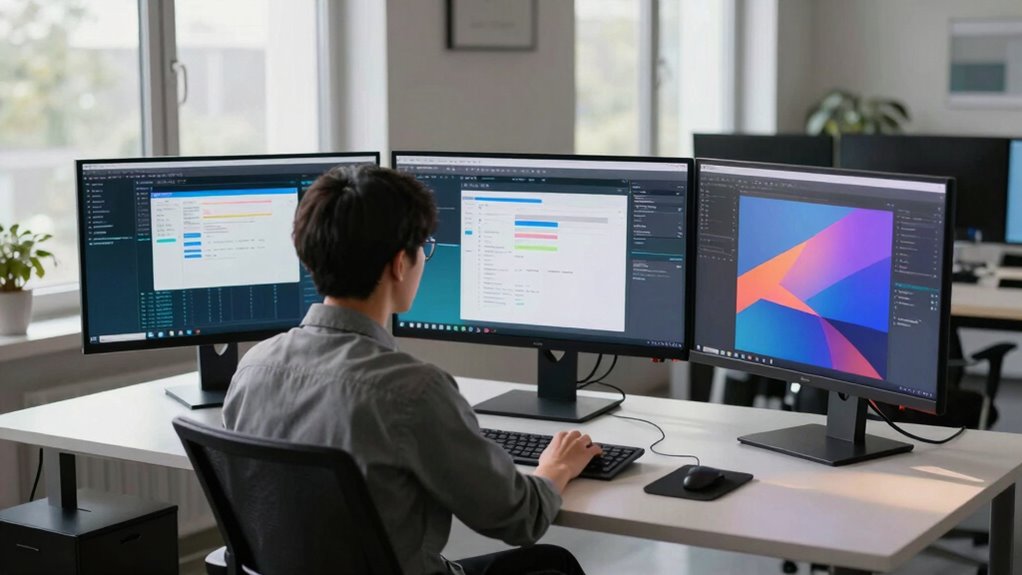
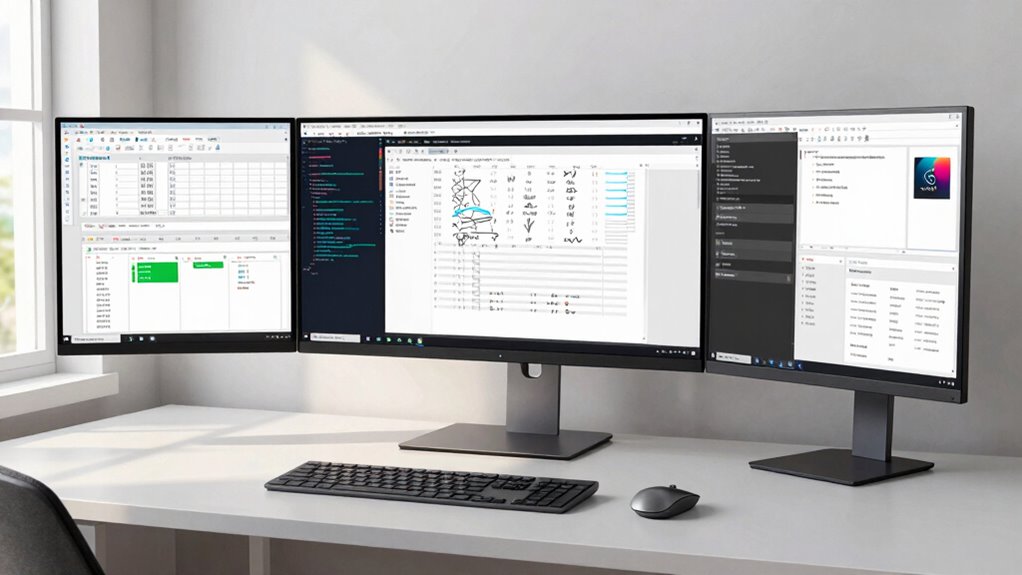
Many professionals swear by multiple monitors, arguing they boost productivity and streamline workflows. It’s easy to see why: more screen real estate means you can have multiple applications open simultaneously, reducing the need to constantly switch between tabs or windows. But beyond the obvious benefits, the real debate isn’t about the number of screens — it’s about how those screens fit into your overall workflow and setup. When you contemplate adding more monitors, you need to think about hardware portability, especially if you move between different workspaces or need a flexible setup. For example, some multi-monitor configurations involve fixed setups that stay in one place, which can limit your ability to work remotely or adapt to different environments. Others favor portable solutions that allow you to carry your setup easily or connect to various devices without hassle. The challenge becomes balancing hardware portability with your need for a stable, efficient workspace. Additionally, considering the hardware portability of your monitors can influence how adaptable your workspace truly is, especially for those who frequently change locations. Aesthetic consistency also plays a vital role in this debate. When your monitors look mismatched or are of different sizes and brands, it can create visual clutter and disrupt your focus. A setup with uniform screens enhances aesthetic consistency, making your workspace look clean and professional. This consistency isn’t just about looks; it affects your workflow by minimizing distractions. When each monitor matches in size, resolution, and design, your eyes don’t need to adjust constantly, which can improve concentration and reduce fatigue. Conversely, a mismatched setup might seem cluttered or chaotic, potentially slowing down your productivity. Ultimately, the number of monitors is less important than how well they integrate into your workflow. If your work demands multitasking across several applications, a multi-monitor setup can be invaluable. But you need to consider how portable your hardware is and whether the aesthetic elements support your focus. A harmonious, consistent look helps maintain a professional environment and minimizes visual stress, especially during long hours. It’s not just about having more screens; it’s about how those screens serve your workflow, support your mobility, and contribute to a clean, cohesive workspace. When you focus on these aspects, the debate shifts from “how many screens” to “how effectively do they fit into your daily tasks and environment.” That’s the real question behind the multi-monitor debate. Considering the visual harmony of your setup can also help reduce eye strain and improve overall comfort during extended work sessions.
As an affiliate, we earn on qualifying purchases.
Frequently Asked Questions
How Do Multi-Monitor Setups Impact Overall Productivity?
Multi-monitor setups boost your productivity by improving your user interface, allowing you to multitask more efficiently. They help you organize multiple applications, minimizing toggling and reducing visual clutter. With extra screens, you can keep essential tools open and accessible, speeding up workflows. However, if not arranged properly, they can cause visual clutter, making it harder to focus. When set up right, multi-monitor setups greatly enhance your overall efficiency.
What Are Common Technical Challenges With Multi-Monitor Configurations?
Ever feel like your screens are fighting you? Common challenges include hardware compatibility issues, where your graphics card struggles with multiple monitors, and display calibration problems, leading to inconsistent colors or resolutions. You might also face difficulties aligning images seamlessly across screens or managing limited port options. These technical hurdles can disrupt your workflow, but with proper setup and calibration, you can guarantee your multi-monitor system works smoothly and efficiently.
Which Industries Benefit Most From Multi-Monitor Setups?
You’ll find industries like finance, graphic design, and software development benefit most from multi-monitor setups. These industries rely on industry-specific workflows that demand multiple screens for real-time data analysis, complex design work, or coding. An ergonomic design helps prevent strain during long hours, boosting productivity and comfort. Multi-monitor configurations streamline tasks, making it easier to multitask and improve overall efficiency in these demanding fields.
How Do Multi-Monitor Setups Influence Eye Strain and Ergonomics?
Multi-monitor setups can reduce eye fatigue by allowing you to spread out work, minimizing constant switching and focusing. Proper ergonomic design guarantees screens are at eye level, preventing neck strain and awkward postures. However, poorly arranged monitors might cause you to stretch or twist, increasing eye strain and discomfort. When set up correctly, multi-monitors promote better ergonomics, making your workflow smoother and reducing the risk of long-term eye fatigue.
Are There Cost-Effective Alternatives to Multiple Monitors?
Yes, there are cost-efficient alternatives to multiple monitors. You can use a large, budget-friendly monitor or invest in a monitor with a wide aspect ratio to mimic dual screens. Alternatively, software solutions like virtual desktops or window management tools help optimize your workspace without extra hardware costs. These options improve your workflow without breaking the bank, making them smart choices for anyone looking to save money while staying productive.
As an affiliate, we earn on qualifying purchases.
Conclusion
Ultimately, choosing the right monitor setup is like crafting a symphony—you need the right instruments to create harmony. It’s not just about adding screens; it’s about how they work together to streamline your workflow. When your setup complements your habits and tasks, productivity flows effortlessly. So, don’t get caught up in the debate over screens; focus on tuning your workspace to hit the right notes for your unique rhythm.
matching monitor screens for workspace
As an affiliate, we earn on qualifying purchases.
As an affiliate, we earn on qualifying purchases.
adjustable monitor arms for productivity
As an affiliate, we earn on qualifying purchases.
As an affiliate, we earn on qualifying purchases.
Halloween Picks
halloween
As an affiliate, we earn on qualifying purchases.