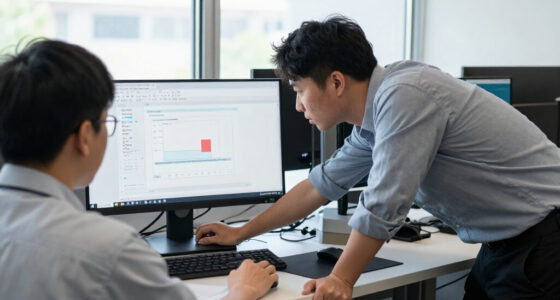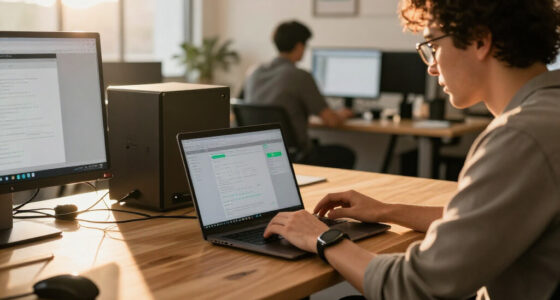
Bigger monitors can boost your productivity by giving you more space to work with multiple windows, helping you stay organized and focused. However, they can also distract you by offering more visual stimuli, making it easier to lose focus or get sidetracked. Your ability to stay disciplined and manage your workspace determines whether a larger screen helps or hinders your work. Continue exploring to discover how to make the most of your monitor size.

Get business pricing on tech for your team
- Business-only prices and quantity discounts
- Tax-exempt purchasing
- Multiple users, one account, clear invoices
Key Takeaways
- Larger monitors can boost productivity for some by providing more workspace and reducing the need to switch between windows.
- They may distract others due to increased visual stimuli and the tendency to drift focus across a broader screen area.
- Effective workspace management and discipline are crucial for maximizing benefits and minimizing distractions on bigger screens.
- Individual work habits and ability to resist temptations influence whether a larger monitor enhances or hampers focus.
- The suitability of a bigger monitor depends on personal focus, digital habits, and the ability to maintain organized, distraction-free work.
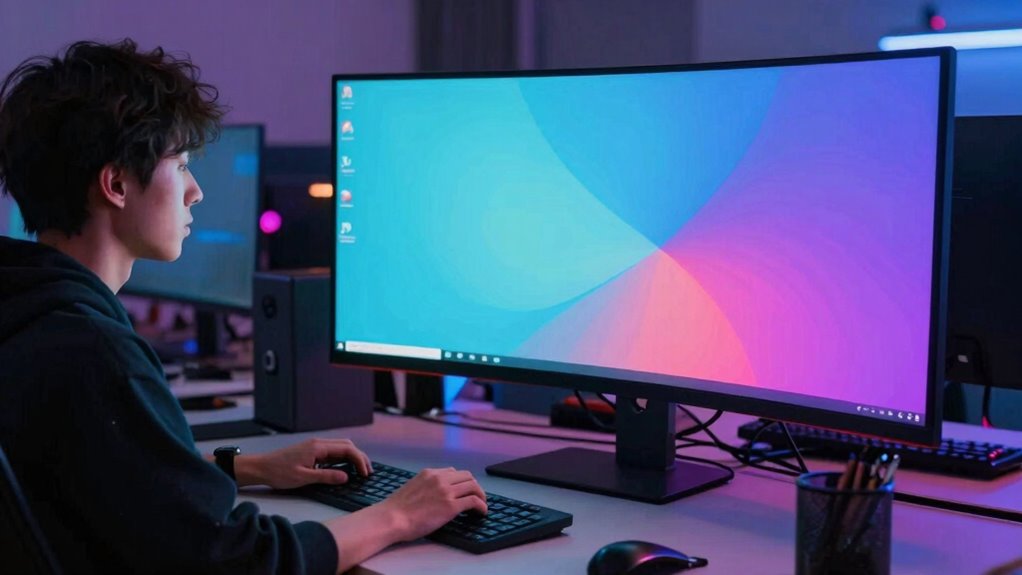
While larger monitors can boost productivity and enhance your viewing experience, they can also be distracting for some people. When you switch to a bigger screen, you immediately notice how much more space you have to work with. This expanded visual workspace allows you to spread out multiple windows, documents, or applications side by side, making multitasking more fluid and less cluttered. If your job involves juggling several tasks at once, a bigger monitor can significantly improve your multitasking efficiency. Instead of constantly switching between tabs or minimizing windows, you can keep everything visible at a glance, saving you time and reducing mental fatigue.
A larger monitor streamlines multitasking by providing more space for multiple windows and reducing the need to switch between tabs.
However, the very size that benefits your workflow can also become a source of distraction. With a larger display, your gaze naturally drifts across a broader area. If you’re easily distracted or prone to losing focus, the extra space might make it harder to concentrate on the task at hand. You might find yourself exploring different parts of the screen instead of focusing on one thing, which can cut into your efficiency. For some, the temptation to keep scrolling or opening new windows can become overwhelming, especially if you’re working in a dynamic environment with many notifications or distractions.
Your visual workspace is a key factor here. A bigger monitor gives you more room to organize your work, but it also demands better discipline. You need to develop habits that help you stay focused, like closing unnecessary windows or setting boundaries on how much you display at once. If you do, you’ll likely find that your productivity soars because you can see everything you need without constantly clicking back and forth. Additionally, managing your visual workspace effectively can prevent the extra space from becoming a distraction. Being aware of how your attention span interacts with your workspace can help you set boundaries and use your screen size to your advantage. Recognizing your working habits and understanding how they interact with your environment can also improve your ability to stay focused. Developing mindful digital habits can help you resist the urge to get sidetracked by the additional space.
In the end, whether a bigger monitor helps or hinders your work depends on your personal workflow and focus. If you thrive on a spacious visual workspace and can maintain discipline, a larger screen can be a game-changer. But if you struggle with distractions or find your attention easily pulled in multiple directions, it might be better to stick with a more modest display. Recognizing how your mind interacts with your workspace can help you decide whether a bigger monitor will truly improve your productivity or just serve as a new source of distraction.
A larger visual workspace can be beneficial when used mindfully, but it requires discipline to avoid becoming overwhelmed by the extra space.
Products Worth Considering

LG UltraGear 34GX90SA-W 34-inch WQHD Curved OLED Gaming Monitor

Logitech MX Master 4 Ergonomic Wireless Mouse with Haptic Feedback, Graphite

LG UltraGear 32GX850A-B 32-inch 4K UHD Glossy OLED Gaming Monitor
As an affiliate, we earn on qualifying purchases.
Frequently Asked Questions
How Do Monitor Size Preferences Vary Across Different Professions?
Your monitor size preferences vary based on your profession. If you work in graphic design or photography, you likely prefer larger screens for better color accuracy and aesthetic appeal, enabling detailed work. Conversely, if you handle coding or data analysis, smaller or standard-sized monitors might suit you better, reducing distractions. Your choice depends on balancing the need for visual clarity with focus, tailored to your specific professional tasks.
What Ergonomic Considerations Are Important With Larger Monitors?
With larger monitors, you need to prioritize ergonomic considerations like proper height and distance to prevent strain. Guarantee your monitor’s color calibration is accurate for better visual comfort and reduced eye fatigue. Use adjustable mounting options to position the screen at eye level, minimizing neck and shoulder tension. Regular breaks and a well-organized workspace also help maintain comfort and productivity when working with bigger screens.
Do Bigger Monitors Impact Eye Health Over Time?
Imagine your eyes as a camera lens adjusting to a vast, bright canvas. Bigger monitors can reduce eye strain and visual fatigue if positioned correctly, but they might also cause overextension or glare. Over time, improper setup may lead to discomfort, so you need to take breaks and maintain good ergonomic habits. Proper lighting and screen distance are essential to protect your eye health and enjoy your larger display comfortably.
How Does Monitor Size Influence Multitasking Efficiency?
A larger monitor boosts your multitasking efficiency by providing more screen space, making it easier to organize multiple windows. With high resolution clarity, you see sharper details, and better color accuracy enhances your ability to distinguish between tasks or data. This enables you to work more seamlessly without constantly switching screens, saving time and reducing errors. Overall, a bigger monitor streamlines your workflow and improves productivity.
Are There Optimal Monitor Sizes for Gaming Versus Professional Work?
For gaming, a monitor around 24-27 inches with a high refresh rate (120Hz or more) offers smooth visuals and quick response times, enhancing your experience. For professional work, especially tasks requiring color accuracy like photo editing, a larger monitor (27-32 inches) with excellent color calibration is ideal. Balancing size with resolution and refresh rate guarantees you remain efficient, whether you’re gaming or working on detailed projects.
Conclusion
So, next time you eye that giant monitor, remember it’s a double-edged sword. It’ll boost your productivity—or turn your workspace into a distraction paradise. One person’s clarity is another’s chaos, after all. Embrace the size, or run from it—either way, you’re in for a bigger, better, potentially more chaotic day. Because in the end, bigger screens don’t just show more—they show you exactly what you’re avoiding. Happy resizing!