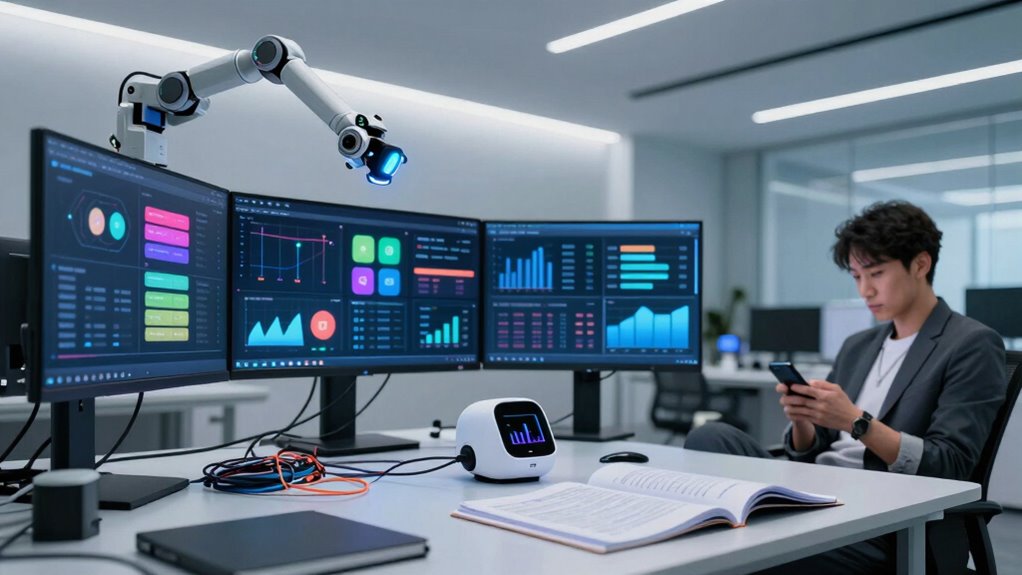

Smart office automation often promises increased efficiency and energy savings, but it falls short due to poor design, complicated interfaces, and inadequate management. When systems aren’t user-friendly or properly maintained, they can hinder workflow, waste resources, and become less effective over time. Without continuous oversight and updates, automation can lose its responsiveness and support. If you want to understand why these limitations happen and how to avoid them, keep exploring further.

Get tech for your team delivered free — and shop member deals
- Fast, free delivery on millions of items
- Access to Prime Big Deal Days deals on October 6–7
- Prime Video, Amazon Music and more included
Key Takeaways
- Poorly designed interfaces and complex controls can hinder user adoption and workflow efficiency.
- Inaccurate data and lack of regular updates reduce system responsiveness and energy savings.
- Automation tools often lack proper integration, leading to minimal real impact on productivity.
- Continuous oversight and maintenance are essential; neglect diminishes automation’s effectiveness.
- Overreliance on automation without user-centric design can result in systems that are less intelligent than they appear.
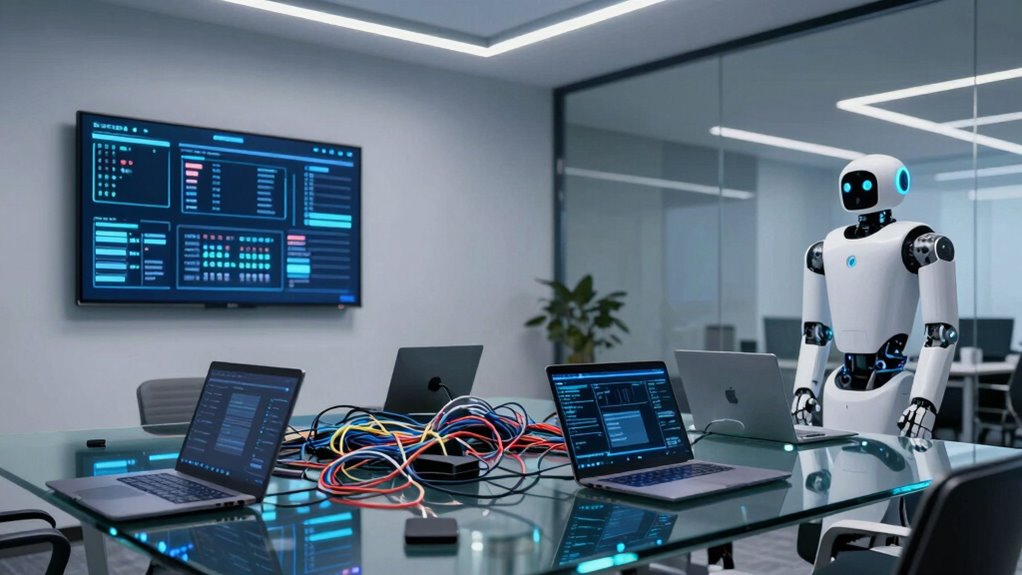
Smart office automation is transforming the way businesses operate by streamlining daily tasks and enhancing productivity. It promises to make your work environment more efficient, with automated systems handling routine chores like lighting, temperature control, and scheduling. At first glance, it seems like a game-changer—saving you time, reducing errors, and creating a more comfortable workspace. However, despite these promises, many smart office solutions fall short of their full potential, often because they’re not as intelligent as they seem.
One common misconception is that automation automatically leads to increased employee productivity. While automated systems can free up your time from mundane tasks, they don’t necessarily improve your ability to focus or innovate. If the technology isn’t properly integrated or if it’s too complex to use easily, it can create frustration rather than efficiency. For example, overly complicated control panels or poorly designed interfaces can slow you down, making it harder to get work done rather than helping you. The real challenge is guaranteeing that automation tools are intuitive and genuinely support your daily workflow, rather than just replacing manual tasks with digital ones.
Effective automation enhances workflow when tools are intuitive and seamlessly integrated.
Energy management is another area where smart office automation can be less effective than advertised. Automated lighting and HVAC systems are often touted as energy savers, but in practice, they can lead to wasted resources if not managed properly. For instance, sensors might turn off lights in unoccupied rooms, but if the system isn’t finely tuned, it could leave some areas dark or waste energy by turning systems on and off too frequently. Additionally, these systems require continuous oversight and calibration to ensure they’re functioning at their best. Without proper management, the energy savings promised by smart automation can be minimal or even nonexistent. Moreover, many systems depend heavily on data collection, which, if inaccurate or outdated, can diminish their effectiveness and responsiveness. In some cases, the lack of proper data analysis can further hinder the system’s ability to adapt to real-time needs. To maximize their benefits, these systems should incorporate real-time monitoring to respond swiftly to changing conditions.
Furthermore, the success of these systems ultimately depends on how well they are maintained and updated over time, as neglecting this can lead to system degradation and reduced smartness.
Another factor that diminishes the ‘smartness’ of these systems is their reliance on data. Many automation solutions depend heavily on data collection and machine learning algorithms to optimize operations. However, if data isn’t collected accurately or if systems aren’t updated regularly, their intelligence diminishes. You might find that the automation doesn’t adapt to changing conditions or user preferences, making it less responsive and more of a set-it-and-forget-it tool that doesn’t truly enhance your work environment. The challenge is ensuring that these smart systems are designed with continuous updates and user feedback in mind to maintain their effectiveness over time.
Ultimately, smart office automation has significant potential, but it’s often less impressive in practice because it requires thoughtful implementation, ongoing management, and user-centric design. Without these, it can fall into the trap of being more automation for automation’s sake—appearing smarter than it truly is—and failing to deliver the productivity and energy efficiencies it promises.
smart office automation control panel
As an affiliate, we earn on qualifying purchases.
As an affiliate, we earn on qualifying purchases.
Frequently Asked Questions
How Secure Are Smart Office Automation Systems From Cyber Threats?
Smart office automation systems aren’t completely secure from cyber threats. You face cybersecurity vulnerabilities that hackers can exploit, risking your sensitive data privacy. To protect your system, you should implement strong encryption, regular security updates, and access controls. Staying aware of potential vulnerabilities and proactively managing them helps safeguard your office environment from cyber attacks, ensuring your data remains private and your automation system functions smoothly.
What Are the Common Costs Associated With Implementing Smart Office Automation?
When implementing smart office automation, you’ll face costs like hardware, software, and ongoing maintenance. Watch out for cost overruns that can occur if your project expands or faces unexpected issues. Integration challenges may also add to expenses, especially if your systems don’t seamlessly connect. Planning carefully and setting a realistic budget helps, ensuring you don’t overspend and that the automation system works efficiently within your office environment.
How User-Friendly Are These Automation Systems for Employees?
Do you wonder if smart office automation is truly user-friendly? Generally, these systems are designed with user interfaces meant to be intuitive, but they can vary in ease of use. Employee training often helps bridge the gap, ensuring staff can navigate new technology confidently. While some systems are straightforward, others might require more time to master. Ultimately, the success depends on thoughtful implementation and ongoing support.
Can Smart Office Automation Adapt to Changing Business Needs?
Smart office automation can adapt to changing business needs, but its effectiveness depends on adaptive flexibility and customization options. You need systems that allow you to modify workflows easily and tailor features to new requirements. Look for automation solutions that are scalable and offer flexible integrations, ensuring your office stays agile. With the right tools, you can quickly adjust processes, keeping your business responsive and efficient as your needs evolve.
What Are the Maintenance Requirements for Smart Office Technology?
You need to regularly perform sensor calibration to guarantee smart office technology functions accurately. Additionally, keeping software updates current is vital to fix bugs, improve security, and enhance features. Maintenance also involves checking hardware components and troubleshooting issues promptly. By staying proactive with sensor calibration and software updates, you help your smart office system operate smoothly, reducing downtime and maintaining peak efficiency.
intuitive lighting and HVAC automation system
As an affiliate, we earn on qualifying purchases.
As an affiliate, we earn on qualifying purchases.
Conclusion
So, next time you marvel at your “smart” office, remember—it’s only as intelligent as the algorithms behind it. Don’t be fooled by the shiny gadgets and voice commands; often, they’re just fancy toys with a limited IQ. Truly smart automation isn’t about gadgets, but about understanding your needs—something most “smart” offices seem to have missed. Until your office can actually think, it’s just a pretty, overpriced room that occasionally presses a button.
energy management sensors for office
As an affiliate, we earn on qualifying purchases.
As an affiliate, we earn on qualifying purchases.
office automation system maintenance tools
As an affiliate, we earn on qualifying purchases.
As an affiliate, we earn on qualifying purchases.
Halloween Picks
halloween
As an affiliate, we earn on qualifying purchases.