
TL;DR
A new repository introduces NixOS and Nix support for NVIDIA DGX Spark systems. It provides USB images and a dedicated NixOS module, allowing users to deploy and manage DGX Spark hardware with Nix-based configurations.
Developers have launched NixOS-DGX-Spark, a project that enables installing and running NixOS and Nix on NVIDIA DGX Spark systems. This development allows users to customize and manage DGX Spark hardware using the Nix package manager, expanding flexibility for AI infrastructure deployment.
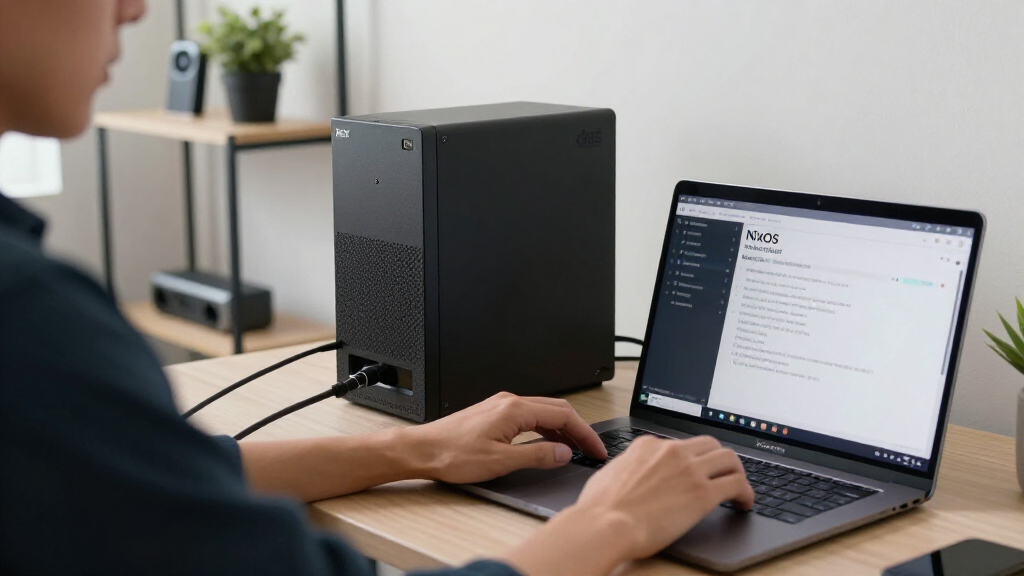
The repository provides USB images for installing NixOS on DGX Spark hardware, along with a NixOS module tailored to DGX Spark configurations. This setup facilitates a full Nix experience on these high-performance AI systems, which are typically managed with proprietary NVIDIA software.
According to the project documentation, this initiative aims to give users greater control over their hardware and software environments, enabling reproducible configurations and easier updates. The project is hosted on a platform where developers can try out DGX Spark playbooks using Nix or perform complete installations of NixOS on DGX Spark systems.
Potential Impact on AI Infrastructure Management
This development is significant because it introduces a flexible, open-source alternative to NVIDIA’s proprietary management tools for DGX Spark systems. By enabling NixOS, a highly customizable Linux distribution, users can achieve more reproducible and manageable AI environments, which is crucial for research, development, and deployment at scale. It could also lower barriers for integrating DGX Spark hardware into existing Nix-based workflows.
As an affiliate, we earn on qualifying purchases.
Background on NVIDIA DGX Spark and NixOS Integration Efforts
NVIDIA DGX Spark is a high-performance AI system designed for scalable machine learning workloads. Traditionally, it runs NVIDIA’s proprietary software stack, limiting customization. The Nix package manager and NixOS are known for their reproducibility and flexibility in managing Linux environments. Prior to this project, there was limited support for running NixOS directly on DGX hardware, making this development a notable step toward open, customizable AI infrastructure.
The project was announced on Show HN, where developers shared their efforts to create installable images and configuration modules, aiming to bridge the gap between NixOS and NVIDIA’s hardware ecosystem.
“This project allows users to fully leverage NixOS on DGX Spark hardware, providing greater control and reproducibility.”
— Project maintainer
NVIDIA DGX Spark hardware management tools
As an affiliate, we earn on qualifying purchases.
As an affiliate, we earn on qualifying purchases.
Unconfirmed Aspects of Compatibility and Adoption
It is not yet clear how fully stable and compatible the NixOS implementation will be across different DGX Spark hardware revisions. User feedback and testing results are still emerging, and the extent of support for GPU drivers and proprietary NVIDIA components remains uncertain.
Additionally, adoption by enterprise users and integration with existing NVIDIA management tools are still unconfirmed and will likely depend on further development and community engagement.
Nix package manager for AI systems
As an affiliate, we earn on qualifying purchases.
As an affiliate, we earn on qualifying purchases.
Next Steps for Deployment and Community Feedback
Developers plan to release detailed installation guides and gather user feedback to improve stability and compatibility. Future updates may include broader hardware support, integration with NVIDIA’s management tools, and enhanced documentation. Monitoring community testing and reporting will be key to assessing the project’s maturity and adoption potential.
high-performance AI server hardware
As an affiliate, we earn on qualifying purchases.
As an affiliate, we earn on qualifying purchases.
Key Questions
Can I run NixOS on my existing DGX Spark system now?
Yes, the project provides USB images for installing NixOS on DGX Spark hardware, but users should review compatibility and stability reports before proceeding.
Will this support GPU drivers and NVIDIA-specific software?
The current status of GPU driver support is still being tested. Users may need to manually configure drivers, and full NVIDIA software stack support is not yet confirmed.
Is this suitable for production environments?
As the project is still in early stages, it is recommended primarily for testing, development, or experimental purposes rather than production use.
How does this compare to NVIDIA’s native management tools?
This approach offers greater customization and control but may lack some of the integrated features provided by NVIDIA’s proprietary solutions. Community feedback will clarify its suitability for different workflows.
Source: hn