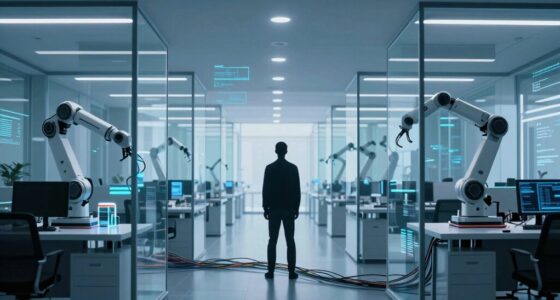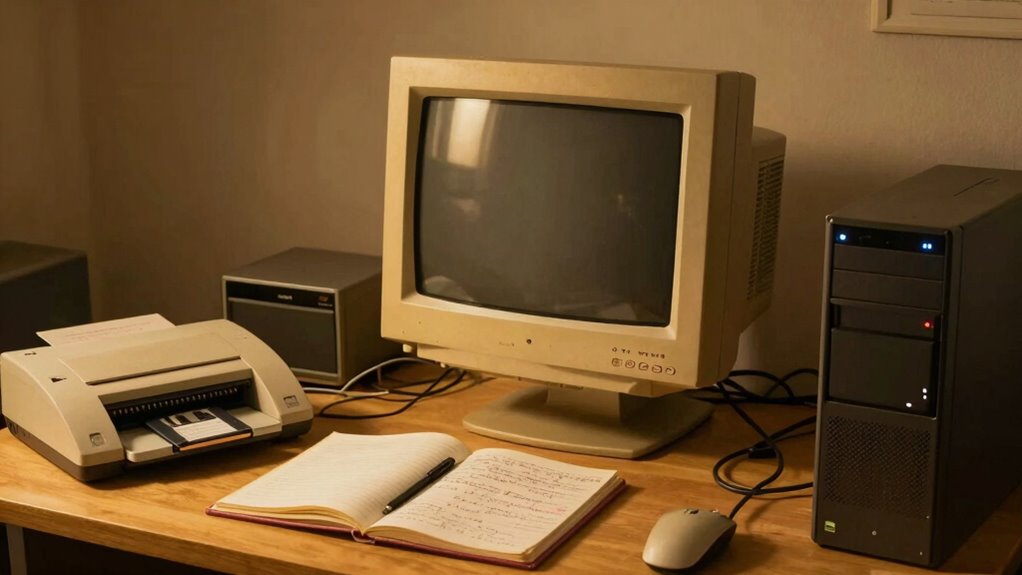

Your AI workflows still depend on old-school office hardware because outdated equipment struggles with modern processing speeds, cloud integration, and real-time data access. This causes slow performance, frequent crashes, and compatibility issues that disrupt your tasks. Upgrading can be costly and complex, but continuing with old hardware risks security gaps and operational inefficiencies. Staying stuck limits your ability to implement the latest AI advances and hampers future growth—there’s more to learn that can transform your systems.
Key Takeaways
- AI workflows often rely on legacy hardware due to compatibility issues with new AI tools.
- Outdated hardware limits real-time data access, slowing AI process automation.
- Compatibility and driver conflicts with new AI software hinder seamless integration.
- Cost and complexity of upgrades discourage replacing old equipment, maintaining reliance on legacy systems.
- Existing hardware infrastructure may not support cloud-based AI applications effectively.
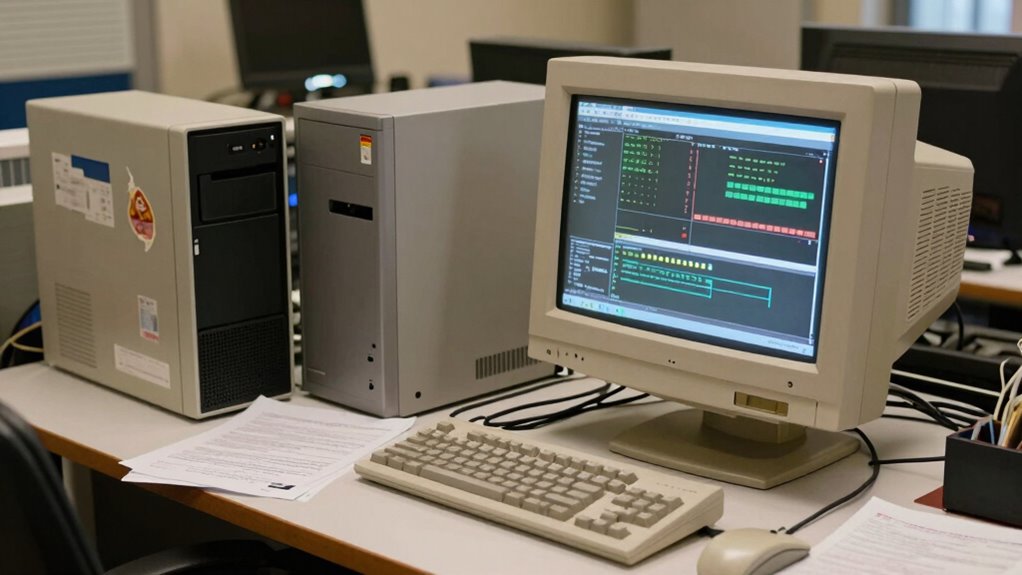
Despite the rapid advancements in AI technology, many offices still rely on outdated hardware that struggles to keep up with modern workflows. You might find yourself facing slow processing speeds, frequent crashes, or compatibility issues that hinder productivity. Even as AI tools become more sophisticated, the hardware you use may not be designed to support these innovations fully. This gap can make it difficult to leverage the full potential of AI-driven processes, especially when it comes to cloud integration and hardware compatibility.
You may have noticed that integrating AI workflows with your existing infrastructure isn’t always seamless. Many older systems lack the necessary ports, processing power, or memory to support the latest cloud-based applications. This limits your ability to access real-time data, automate tasks, or collaborate efficiently across platforms. As a result, you’re often stuck in a cycle where upgrading hardware seems like an expensive and complex task, but not doing so hampers your ability to stay competitive. Recognizing the importance of hardware compatibility is crucial for smooth operations.
Hardware compatibility is another major issue. New AI tools are frequently optimized for the latest hardware standards, which means your legacy equipment might not meet the requirements. You could experience software conflicts, driver issues, or simply find that your systems can’t handle the demands of AI workloads. This incompatibility forces you to either stick with outdated machines or invest heavily in new hardware, which can be daunting for many organizations. However, maintaining older hardware also means risking security vulnerabilities and reduced efficiency, which can impact your overall operations. Additionally, legacy systems often lack the flexibility needed for integration with evolving AI technologies. Addressing these limitations often involves understanding the importance of hardware standards to ensure future compatibility. Moreover, outdated hardware can also hinder your ability to implement security updates, further exposing your organization to risks.
Despite these challenges, you might hesitate to replace your old hardware because of the costs involved or the disruptions it causes. But ignoring the need for modernization can lead to a widening gap between your capabilities and those of competitors who are embracing newer, more compatible systems. Cloud integration, in particular, requires hardware that can connect smoothly to cloud platforms and handle data transfers without bottlenecks. Without this, your AI workflows remain fragmented or inefficient.
Furthermore, hardware limitations can also restrict your ability to implement the latest AI advancements, making it harder to stay at the forefront of industry developments. In the end, it’s clear that your hardware’s ability to support cloud integration and ensure compatibility is crucial. Upgrading your hardware isn’t just about keeping up with trends; it’s about enabling your team to work smarter, faster, and more securely. While the initial investment may seem significant, the long-term gains — improved productivity, better AI functionality, and future-proofing your office — make it a necessary step. If you want your AI workflows to truly thrive, addressing these hardware limitations is an essential move forward.

AIRHUG USB Microphone No Speaker, Desktop Computer Mic for Laptop
- No Built-in Speaker: Omnidirectional microphone with 6 ft pickup range
- Clear Voice Capture: Noise-canceling technology with 48kHz sampling rate
- Easy USB Connection: Plug and play setup for Windows and Mac
As an affiliate, we earn on qualifying purchases.
As an affiliate, we earn on qualifying purchases.
Frequently Asked Questions
How Do Outdated Hardware Limitations Affect AI Workflow Efficiency?
Outdated hardware limitations slow down your AI workflow efficiency because they struggle with hardware compatibility and software integration. When your hardware isn’t up to date, it can cause lag, crashes, or incomplete processing, forcing you to spend extra time troubleshooting. This results in delays and reduced productivity. Upgrading your hardware guarantees smoother compatibility and seamless software integration, helping your AI workflows run faster and more reliably.
Are There Cost-Effective Upgrades for Old Office Hardware?
Yes, there are cost-effective upgrades for your old office hardware. You can enhance hardware compatibility by adding RAM or upgrading storage to support newer software versions, improving AI workflow efficiency. Additionally, investing in affordable peripherals like external GPUs or faster network adapters can boost performance. These upgrades facilitate better software integration, allowing your existing hardware to handle modern AI tasks without the need for complete replacements, saving you money.
What Security Risks Are Associated With Using Old Hardware for AI?
Using old hardware for AI is like sailing an outdated ship through stormy waters — you’re risking hardware vulnerabilities that can be exploited, leading to a data breach. These outdated systems often lack the latest security patches, making them prime targets for cyberattacks. You expose sensitive data and compromise your network’s integrity, risking costly damage. Upgrading guarantees your AI workflows stay protected, safe, and resilient against evolving cyber threats.
How Long Can Legacy Hardware Support AI Workloads Reliably?
You can typically expect legacy hardware to support AI workloads reliably for a few years, but it depends on hardware compatibility and software integration. As AI demands grow, older hardware may struggle to keep up, leading to decreased performance and increased risks. Regular upgrades and compatibility checks are essential to guarantee your hardware remains effective. Eventually, you’ll need to shift to newer systems for sustained, efficient AI workflow support.
What Training Is Needed for Staff to Manage Old Hardware in AI Workflows?
You need to get your staff up to speed with hardware management and staff training to handle old hardware effectively. It’s a steep learning curve, but with targeted workshops on legacy systems, troubleshooting, and maintenance, your team can keep AI workflows running smoothly. Hands-on experience is key, and ongoing education ensures they stay adept at managing outdated hardware without missing a beat. Don’t let the old dog learn new tricks? Not quite—training makes all the difference.

Andromeda Insights – AI Workstation Gaming PC | AMD Radeon Pro R9700 32GB | Ryzen 5 9600X (5.4 GHz Turbo) | 32GB DDR5 | 1TB Gen4 SSD | W11 | Wi-Fi | Bluetooth – Black
- AI-Optimized Workstation: Designed for demanding AI workloads
- Powerful CPU: AMD Ryzen 5 9600X with 5.4GHz Turbo
- High-Performance GPU: AMD Radeon Pro R9700 with 32GB VRAM
As an affiliate, we earn on qualifying purchases.
As an affiliate, we earn on qualifying purchases.
Conclusion
So, even as AI workflows evolve, you’re often stuck with outdated office hardware. It’s a classic case of “you can’t teach an old dog new tricks,” but sometimes, the old tools just aren’t up to the task. Upgrading your hardware might seem intimidating, but it’s essential for staying competitive. Remember, embracing change isn’t just a choice—it’s a necessity in today’s fast-paced tech landscape. Don’t let outdated equipment hold you back from innovation.

2GB DDR2-667 (PC2-5300) Memory RAM Upgrade for the Dell OptiPlex 740 Desktop, Mini Tower and Small-Form-Factor Computers
- Memory Size: 2GB DDR2-667 RAM
- Pin Type: 240-pin desktop module
- Memory Type: Non-ECC, Non-Registered
As an affiliate, we earn on qualifying purchases.
As an affiliate, we earn on qualifying purchases.

AFOOYO Adjustable Wood Laptop Stand, Ergonomic Height Angles Computer Stand, Cloud-Shaped Holder Riser Notebook Stand for Desk Compatible with Air, Pro, Dell, HP, Lenovo More 10-17.3" Laptops, White
- Adjustable Height and Angle: Customize for ergonomic comfort
- Playful Cloud-Shaped Panel: Adds style to workspace
- Wide Compatibility: Fits 10-17.3 inch laptops
As an affiliate, we earn on qualifying purchases.
As an affiliate, we earn on qualifying purchases.